Category: Immigration & Admin

  • Lost Passport in Korea|Police Report, Embassy, and Departure Steps

    Lost Passport in Korea|Police Report, Embassy, and Departure Steps

    If your passport is lost in Korea, secure your phone and cards, search the last controlled location briefly, then contact your passport-issuing embassy or consulate immediately. Report theft to police; for an ordinary lost item, use Korea’s lost-property channels while the embassy explains cancellation and replacement.

    Do not go to the airport hoping a photo or photocopy will work. A reported passport may be cancelled, and only your issuing authority can confirm which replacement document you need.

    First 15 minutes: protect yourself and retrace

    Freeze exposed payment cards, write down the last confirmed location, and make one focused search without delaying an urgent theft report.

    Check the hotel safe, taxi seat, restaurant counter, station gate, airport tray, and the bag pocket used at check-in. Give staff a time window and plain description, but do not send a passport scan through an unverified account.

    A quick recovery is possible, but an approaching flight or signs of theft should move you to reporting and consular contact now.

    Choose the correct Korean reporting channel

    Call 112 for theft or immediate danger; for a lost item, use 182 or LOST112, and use 1330 when tourist interpretation is needed.

    Korea Tourism Organization’s official travel guide directs theft victims to police at 112 and lost-item cases to 182 or LOST112. It also lists the 1330 Korea Travel Helpline for multilingual tourist help and interpretation.

    Record the date, approximate time, place, police station or reference number, and whether other identity documents were taken. A police report can document the circumstances, but it does not itself create a replacement passport.

    Contact the embassy that issued your passport

    Use the official website of your own embassy or consulate in Korea and state your nationality, location, departure date, and whether the passport was lost or stolen.

    Procedures differ by nationality. Ask whether you need an appointment, police report, passport photo, identity evidence, application form, fee, or travel itinerary. United States guidance, for example, tells its citizens to report the passport promptly, appear at an embassy or consulate for replacement, and disclose imminent travel; that list is not a universal checklist for other nationalities.

    Prepare for replacement without guessing requirements

    Gather whatever identity and travel evidence you still have, but let the embassy confirm the exact document set and whether it will issue a full or emergency passport.

    Useful items may include a passport copy, another photo ID, a recent photo, police reference, itinerary, and proof of citizenship. Send files only through the embassy’s confirmed channel. For a child or a theft involving every ID, disclose that at first contact because extra steps may apply.

    Check residence, visa, and arrival records

    After a new document is issued, foreign residents should ask 1345 whether and how their passport information must be updated; visitors should verify any travel authorization or arrival record tied to the old number.

    Korea Immigration Service describes 1345 as its multilingual immigration and living-information contact center. Call with your residence status, old and new passport details, planned departure, and the date the replacement was issued. Do not assume that an embassy replacement automatically updates Korean records.

    Rebuild the departure plan

    Confirm the replacement document first, then ask the airline and every transit-country authority whether that document and route are accepted.

    An emergency travel document may have route or validity limits. Give the embassy your full itinerary, including transit airports, before changing a ticket. After issuance, contact the airline using the new document details and confirm whether online check-in must be replaced by counter check-in.

    Do not book a non-refundable flight based on an estimated consular time. For departure within hours, contact the embassy’s official emergency channel and the airline.

    Frequently asked questions

    The key distinction is simple: Korean services document and search the incident, while your passport authority decides cancellation and replacement.

    Should I wait for LOST112 before contacting my embassy?

    No if departure is near, theft is suspected, or the passport may be misused. You can keep checking lost-property channels while following the embassy’s instructions.

    Can I fly with a passport photo on my phone?

    A copy helps prove identity but is not a travel document. Obtain the valid replacement specified by your issuing authority and accepted for your route.

    What is the exact next step if the case is still unresolved?

    Call the embassy’s official emergency contact with your incident details and itinerary. Residents should also call 1345; imminent travelers should keep the airline informed and avoid the airport until document acceptance is confirmed.

    Related guides

    Lost Phone in Korea|Track, Report, Suspend SIM, and Protect Accounts
    Official resources

    Korea Police LOST112

  • Korea Mobile Residence Card|IC Card, QR Setup, and Phone Change

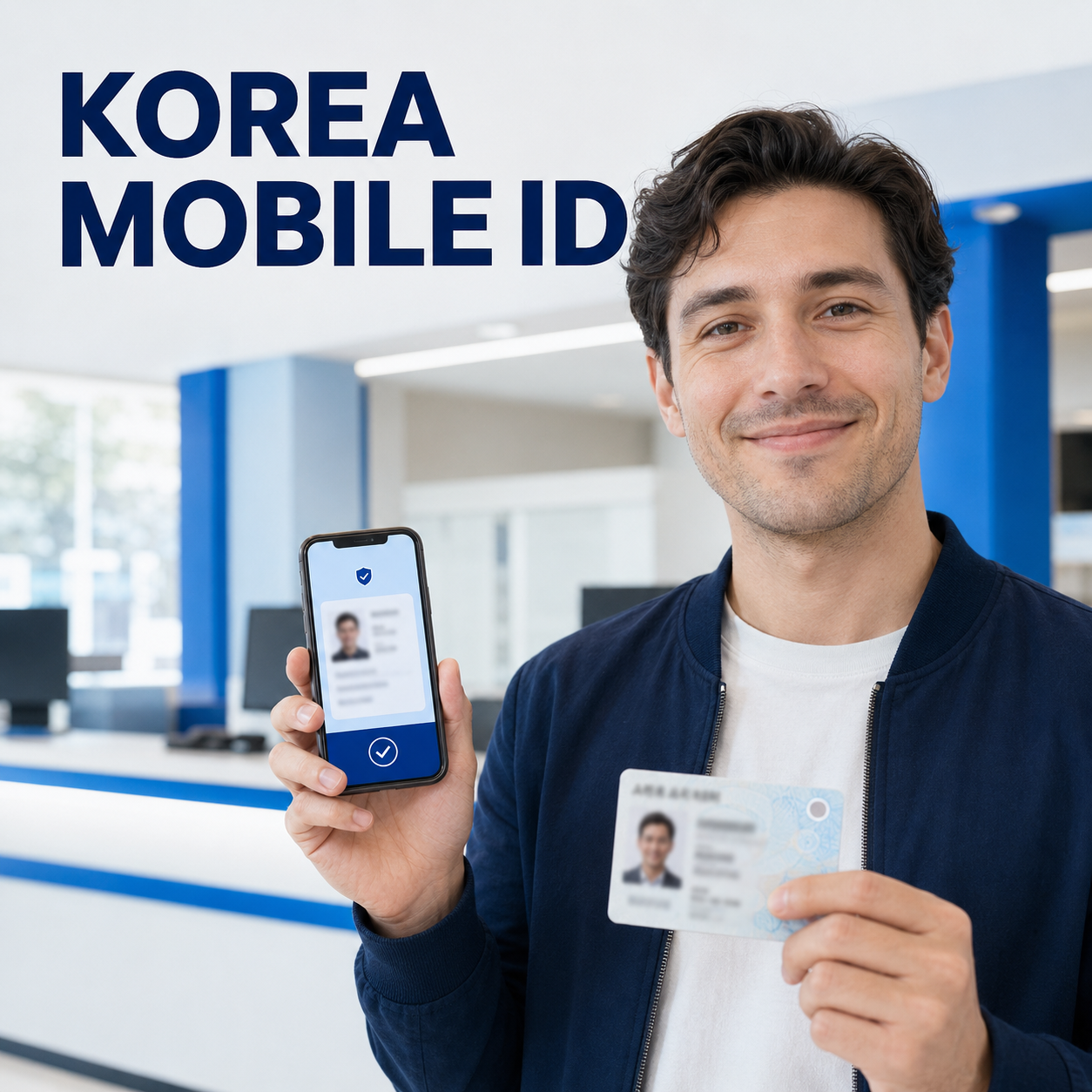
    Korea Mobile Residence Card|IC Card, QR Setup, and Phone Change

    To get a Korea mobile residence card, install the official Mobile ID app on a phone registered in your own name, then use either an IC-enabled physical residence card or an in-person QR code from an immigration office. Choose the route based on the card you already have, not on which route looks faster.

    The mobile card has the same legal effect as the physical one, but a bank or other service may still have channel-specific support. Keep the physical card available for important procedures.

    Check eligibility and your phone first

    Confirm that you are a registered foreign resident aged 14 or older and that the smartphone is in your name before booking a visit or replacing a card.

    Official guidance limits issuance to one eligible smartphone in the holder’s name. The official leaflet lists Android 8.0 or later or iOS 16 or later, biometric authentication, and NFC support. If verification fails, ask your carrier whether the subscription is registered in your name.

    You still need a valid physical residence card. Do not install an app from a link in an unsolicited text message; use the official app-store listing reached through the government Mobile ID site.

    Identify an IC card or an older card

    Look for the Mobile ID symbol on the physical residence card: the symbol indicates the IC-enabled version that can be tagged to the phone.

    With an IC residence card, open the Mobile ID app, select the mobile foreigner residence card, enter the required issuance information, and hold the card against the phone’s NFC area as instructed. Complete facial verification and wait for the app to show that issuance is finished. Remove a thick or magnetic case if the tag repeatedly fails.

    An older non-IC card is still eligible, but it uses the office QR route. Book or confirm the correct immigration office, install the app before arrival, request mobile-card issuance, scan the QR code shown at the counter, and complete facial verification there.

    Finish setup and test the digital card

    Do not stop at facial verification; reopen the app and confirm that your name, card type, and active status display correctly before relying on it.

    1. Restart the official app.
    2. Unlock it normally.
    3. Check that the card is active.
    4. Test it at a service that advertises Mobile ID support.

    Government guidance describes use at public institutions, hospitals, convenience stores, and financial institutions, but support can vary by institution and channel.

    Recover after a phone change or app deletion

    Use the same issuance route again: retag an IC residence card, or revisit immigration for a new QR code if the original mobile card was QR-issued.

    First install the official app on the replacement phone and confirm that the mobile subscription is still under your name. IC-card holders can generally issue again by NFC tagging and facial verification. Holders of older cards who used an office QR code must return to an immigration office because the earlier QR code is not a reusable backup credential.

    If reissuance fails, check NFC, biometrics, operating-system eligibility, and carrier identity data. Never enter personal details on unofficial troubleshooting pages.

    Act immediately if the phone is lost

    Report the lost phone through the official Mobile ID service so the mobile card is locked, then secure the mobile line and payment accounts separately.

    The Korea Immigration Service states that a loss report on the Mobile ID website locks the app. Also suspend the SIM and use official lost-device controls. A Mobile ID lock does not freeze banking or every other account.

    Resolution check and exact next steps

    Setup is complete only when the official app shows an active mobile residence card and a supported verifier can read it without exposing unnecessary personal details.

    Resolution check: confirm the card opens after the app is restarted, the displayed identity matches the physical card, and the service you plan to use accepts Mobile ID. Keep the physical card and passport available for procedures that specifically request them.

    If unresolved: record the exact error, your phone model and operating-system version, whether the physical card has the Mobile ID symbol, and whether your line is registered in your name. Call 1345 or contact the responsible immigration office with those facts; for a bank-only rejection, ask the bank whether its branch or app currently supports the mobile foreigner residence card.

    Frequently asked questions

    The decisive questions are whether your physical card has an IC chip, whether the phone is in your name, and whether the receiving service supports the credential.

    Can I issue it on two phones?

    No. Official guidance limits issuance to one smartphone registered in the cardholder’s name.

    Can an older residence card still be used?

    Yes. Visit an immigration office and use the on-site QR issuance route instead of NFC tagging.

    Does every bank accept it?

    Support has expanded, but each institution can have its own rollout and channel rules. Confirm with the specific bank and transaction type.

    Do I still need the physical card?

    Keep it. The mobile credential is legally valid, but a procedure may still require the physical card, passport, or another original document.

    What happens if I delete the app?

    Reissue it. An IC-card holder can normally retag the card; a person who used the office QR route must visit immigration again.

    Official resources

    Ministry of Justice: Mobile Residence Card

  • Edit Your Korea e-Arrival Card: Fix Mistakes Before Immigration

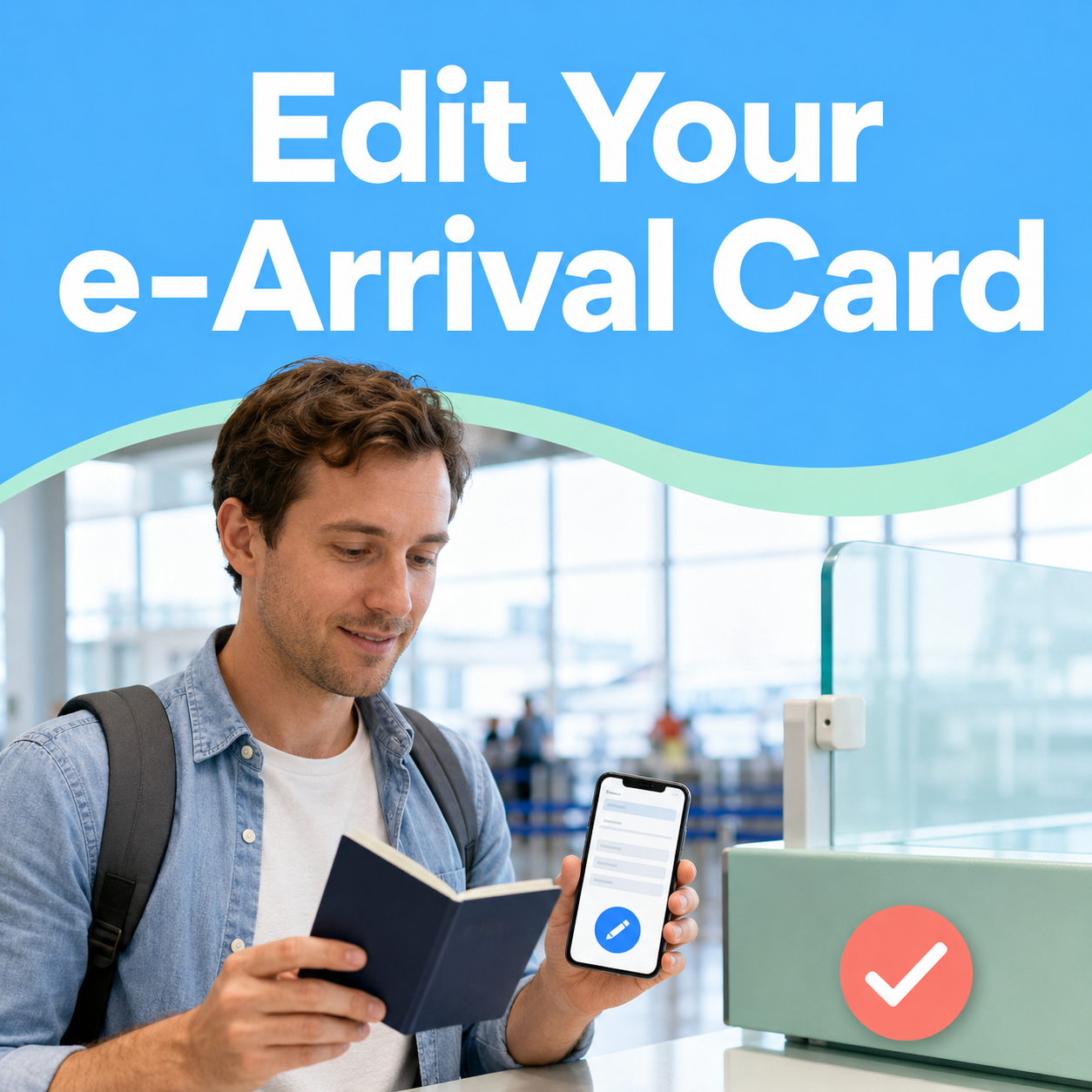
    Edit Your Korea e-Arrival Card: Fix Mistakes Before Immigration

    If your Korea e-Arrival Card contains the wrong hotel, flight, departure date, purpose, or occupation, retrieve it on the official website and edit it before immigration inspection.

    Use the issuance number sent by email or email verification, correct the record, review every field, and submit the updated version. Do not pay a third-party website: the official service is free.

    Checked on August 25, 2026: the official Check/Edit route is live, and Korea Immigration’s March 9, 2026 notice still warns about fake paid sites.

    First decide: edit the record or submit a new one?

    Edit an active card when travel or stay details changed. Submit a new card if the old one expired, you already completed immigration, or you are entering Korea again.

    The card is valid for 72 hours from submission and expires after immigration. The arrival date can only be changed within three days of the original declaration; otherwise, submit a new card.

    What changed?ActionExpected result
    Hotel, Korean address, contact, purpose, occupation, departure dateRetrieve and editUpdated active declaration
    Arrival date still within the permitted three-day windowEdit and resubmitCorrected arrival plan
    Card expired or arrival moved outside that windowMake a new declarationNew 72-hour validity period
    You already passed immigration or are re-entering KoreaMake a new declarationOne declaration for the new entry

    Save the newest confirmation, not every old copy.

    If you resubmit with the same personal information before expiration, only the newest card remains accessible. Save that version.

    How to correct the card step by step

    Open only e-arrivalcard.go.kr, choose Check/Edit, verify with the issuance number or email, correct the changed fields, and submit after a line-by-line review.

    1. Confirm the domain: type e-arrivalcard.go.kr directly. A payment screen is a warning sign, not part of the official process.
    2. Open Check/Edit: retrieve the declaration with the issuance number from the confirmation email or complete email verification.
    3. Compare documents: check the passport, itinerary, hotel, Korean contact, purpose, occupation, and departure plan.
    4. Edit accurately: replace old travel or stay details with the current booking.
    5. Review and submit: check spelling, dates, flight, and address; then save the newest confirmation.

    If a hotel address is hard to copy, use Naver Map in English and compare the Korean road-name address with the booking. If it still does not match, ask the hotel instead of inventing an address.

    Stop if a site asks for card payment.

    Korea’s Ministry of Justice confirmed on March 9, 2026 that the only official e-Arrival Card site is e-arrivalcard.go.kr and that a site requesting payment information is not official. Close it and return by typing the government address yourself.

    Verify the fix and confirm the result

    Retrieve the record again and verify the changed field, issuance number, and expiration time. A saved PDF is useful for checking, but it is not required at the immigration counter.

    Retrieve the card again on the official site. If the corrected active record appears, the fix is confirmed; if it cannot be retrieved, do not assume it was saved.

    • Hotel or Korean address matches the current confirmation.
    • Arrival date and flight information match the latest itinerary.
    • Purpose, occupation, contact, and departure plan are accurate.
    • The displayed expiration covers your arrival before immigration.
    • The newest PDF or email reflects the corrected details.

    Final pre-arrival check

    • Official go.kr domain
    • No payment request
    • Latest itinerary and hotel
    • Active expiration time
    • Newest confirmation saved

    Exact next steps if the issue remains

    Try email verification, check whether the card expired, and submit a new declaration when the official validity rules require it. For an unresolved system or eligibility issue, contact Korea Immigration rather than guessing.

    If the issue remains, email earrivalcard@korea.kr in Korean or English. Call 1345 in Korea, or +82-2-1345 / +82-2-6908-1345~6 from overseas. If arrival is imminent, explain the issue to immigration staff before inspection.

    Do not use this form to decide visa or K-ETA eligibility.

    The e-Arrival Card is an entry declaration, not a visa or K-ETA approval. Check your own entry conditions through Korea Immigration, the Korea Visa Portal, K-ETA, or a Korean embassy before travel.

    FAQ: Frequently asked questions

    Most mistakes can be corrected before immigration, but expiration, a completed entry, or a new trip requires a fresh declaration.

    1. Can I change my hotel after submitting?

    Yes. Retrieve the card before inspection and replace the old stay information.

    2. Can I change my purpose or occupation?

    Yes, before inspection. Use Check/Edit and enter accurate current information.

    3. What if my flight date changed?

    Edit within the official window; otherwise, submit a new declaration.

    4. I lost the issuance number. Can I retrieve it?

    Yes. Use email verification with the address connected to the declaration.

    5. Must I print the corrected card?

    No. A saved copy helps verification, but it is not required at inspection.

    6. Is there a correction fee?

    No. The official service is free; a payment request is a fake-site warning.

    Official resources

    Official e-Arrival Card guide