
If you lose your phone in Korea, use another device to locate and lock it first, then retrace the last safe place where you used it. If the location is unfamiliar, the phone was taken, or meeting the finder feels unsafe, do not recover it yourself—contact the police and your mobile carrier.
Locate and play a sound → mark the phone as lost → record the map and device details → call the last venue or transit operator → file a lost-property or theft report → suspend the SIM and secure key accounts if recovery is unlikely.
Locate and lock the phone immediately
For Android, open Google Find Hub; for iPhone, open Find My or iCloud.com/find, then select the missing device and mark it as lost.
Use Play Sound only when the phone may be nearby. A map pin is an estimate, especially indoors or underground. Save a screenshot of the location, time, battery status, and device name before the information changes.
Google says Find Hub can locate, secure, or erase a supported Android device when the required account and device settings are available. Apple says Lost Mode locks the device and helps protect account access. Add a safe callback number that is not the missing phone, but do not reveal your hotel room, home address, passport number, or other sensitive details.
Check the last venue and transit operator
Call the exact café, hotel, taxi service, station, airport, or train operator where you last used the phone and describe the time, case, model, and lock-screen image.
If you left it on the Seoul subway, follow the operator-first timing in our Korea subway lost-and-found guide. Record the line, direction, boarding and exit stations, approximate car position, and time. For a taxi, keep the receipt, payment record, vehicle number, or booking-app trip details.
If staff confirm possession, ask for the official collection location and opening hours. Bring identification and proof that the device is yours, such as the serial number, IMEI, purchase record, carrier account, or the ability to unlock it.
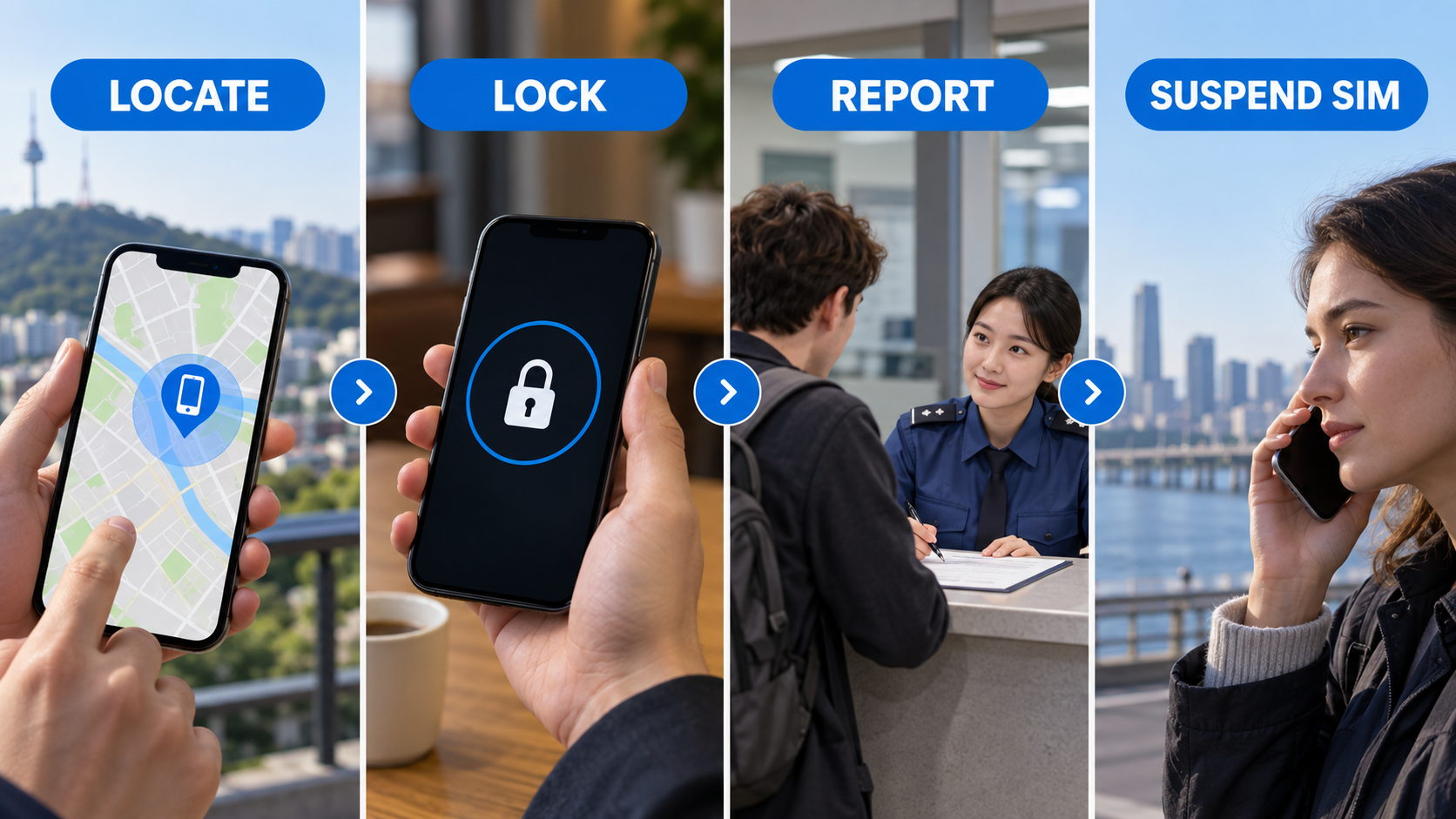
Report the loss through Korea Police channels
For an ordinary loss, use the Korea Police Civil Services portal or visit a nearby police station, police box, or patrol division; if it was stolen or you face immediate danger, call 112.
The official police service states that a lost-property report can be filed online or in person and that no supporting documents or fee are required for the basic report. It also provides an English lost-item report form. Online access may still require identity verification, so short-term visitors who cannot complete login should visit the nearest police facility.
Prepare the brand, model, color, case, distinctive marks, IMEI or serial number if available, last known time and place, and a safe contact method. Keep the receipt or management number. If you also lost your passport, use the separate lost passport steps in Korea because embassy and departure procedures are different.
Suspend the SIM without losing account access
If the phone appears stolen or recovery is unlikely, contact the Korean carrier or travel-SIM provider and ask to suspend the line, block replacement misuse, and explain the replacement process.
Before suspension, confirm that you can sign in to your email, Apple Account or Google Account, banking apps, and travel services from another trusted device. Save backup codes or switch important two-factor verification to a method you still control. Never give a caller or text sender your screen passcode, verification code, or account password.
Protect payments and important accounts
Review the primary email account, mobile wallet, banking, messaging, cloud storage, and password manager for unknown sessions or changes.
Start with the email account used for password recovery, then secure financial and messaging accounts. Use official apps or websites typed manually, not links sent by someone claiming to have found the phone. Apple explicitly warns that it will not contact you to say a missing iPhone was found and advises against sharing passcodes or verification codes.
Contact your card issuer if wallet cards or banking access may be exposed. For urgent Korean contact routes, see our emergency numbers guide for Korea.
If the device appears inside a private building, moves to an unfamiliar place, or was clearly stolen, save the evidence and contact police. A location estimate is not a safe invitation to confront anyone.
Erase only after recovery options are exhausted
Remote erase is the final privacy step because it is irreversible and can reduce or end later tracking capability, depending on the device and setup.
Google warns that a factory reset permanently deletes device data and removes the Android device from Find Hub. Apple advises trying other recovery steps first and not removing a stolen device from Find My, because that removes Activation Lock. Read the confirmation screen carefully before sending an erase command.
Frequently asked questions
The safest plan is to lock first, document the device details, use official recovery channels, and separate an ordinary loss from suspected theft.
Can I track a phone after the SIM is suspended?
It may still receive location or lock requests over Wi-Fi, but results depend on prior settings, power, connectivity, and the device platform. Ask the carrier what the suspension affects.
Should I call 112 for every lost phone?
Use the lost-property service or a police facility for an ordinary loss. Call 112 when theft, immediate danger, or an active crime is involved.
What if Find My or Find Hub was not enabled?
Call the last venue and transit operator, file a police report, suspend the SIM when appropriate, and secure the recovery email and other critical accounts.
How do I know the case is resolved?
After recovery, unlock the phone yourself, inspect account activity, restore the SIM, and test calls, data, wallet access, and account recovery.
댓글 쓰기