
To get a Korea mobile residence card, install the official Mobile ID app on a phone registered in your own name, then use either an IC-enabled physical residence card or an in-person QR code from an immigration office. Choose the route based on the card you already have, not on which route looks faster.
The mobile card has the same legal effect as the physical one, but a bank or other service may still have channel-specific support. Keep the physical card available for important procedures.
If your card has the Mobile ID symbol and an IC chip, scan it with NFC in the app. If it is an older card without the chip, visit an immigration office, receive an issuance QR code, scan it in the app, and complete facial verification.
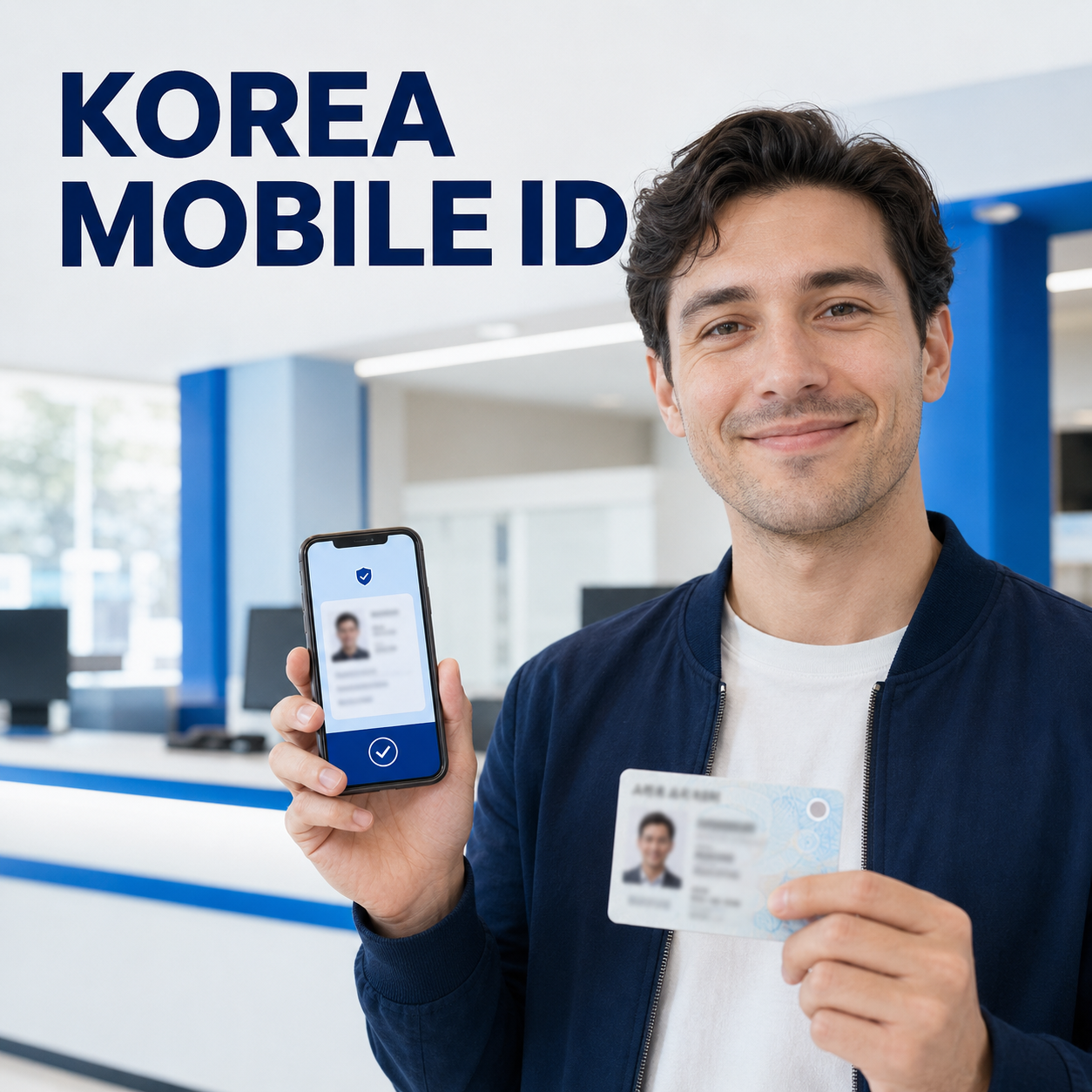
Check eligibility and your phone first
Confirm that you are a registered foreign resident aged 14 or older and that the smartphone is in your name before booking a visit or replacing a card.
Official guidance limits issuance to one eligible smartphone in the holder's name. The official leaflet lists Android 8.0 or later or iOS 16 or later, biometric authentication, and NFC support. If verification fails, ask your carrier whether the subscription is registered in your name.
You still need a valid physical residence card. If you are applying for that card for the first time, follow our residence card application guide first. Do not install an app from a link in an unsolicited text message; use the official app-store listing reached through the government Mobile ID site.
Identify an IC card or an older card
Look for the Mobile ID symbol on the physical residence card: the symbol indicates the IC-enabled version that can be tagged to the phone.
With an IC residence card, open the Mobile ID app, select the mobile foreigner residence card, enter the required issuance information, and hold the card against the phone's NFC area as instructed. Complete facial verification and wait for the app to show that issuance is finished. Remove a thick or magnetic case if the tag repeatedly fails.
An older non-IC card is still eligible, but it uses the office QR route. Book or confirm the correct immigration office, install the app before arrival, request mobile-card issuance, scan the QR code shown at the counter, and complete facial verification there. Our immigration appointment guide helps when the visit system is the part blocking you.
The IC route is more convenient if you expect to replace your phone because you can normally reissue by tagging the IC card again. A QR-issued mobile card requires another immigration-office visit after a phone change or app deletion.
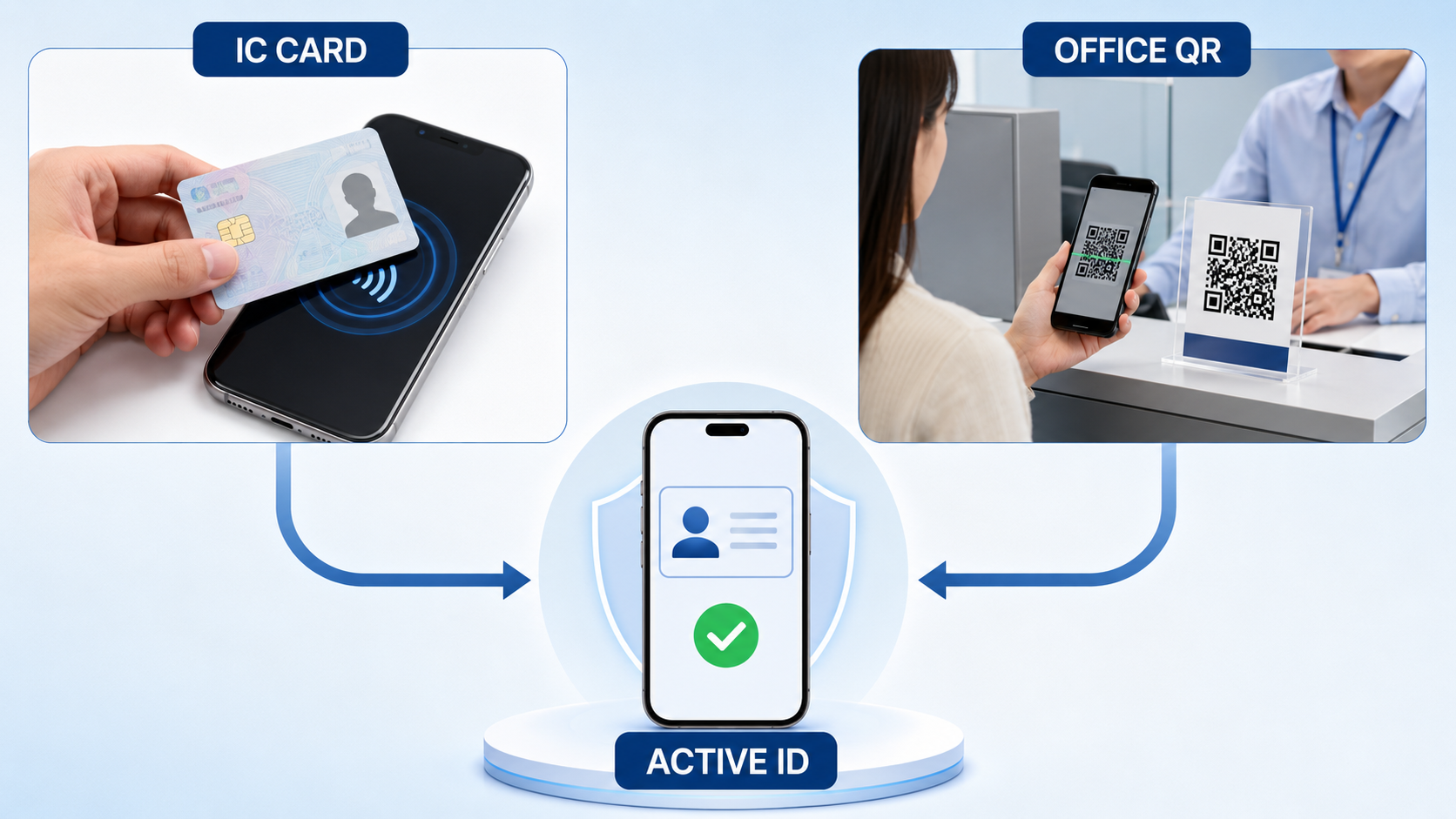
Finish setup and test the digital card
Do not stop at facial verification; reopen the app and confirm that your name, card type, and active status display correctly before relying on it.
- Restart the official app.
- Unlock it normally.
- Check that the card is active.
- Test it at a service that advertises Mobile ID support.
Government guidance describes use at public institutions, hospitals, convenience stores, and financial institutions, but support can vary by institution and channel. For banking, check the current app or branch notice; our English banking-app guide can help with the next step.
Recover after a phone change or app deletion
Use the same issuance route again: retag an IC residence card, or revisit immigration for a new QR code if the original mobile card was QR-issued.
First install the official app on the replacement phone and confirm that the mobile subscription is still under your name. IC-card holders can generally issue again by NFC tagging and facial verification. Holders of older cards who used an office QR code must return to an immigration office because the earlier QR code is not a reusable backup credential.
If reissuance fails, check NFC, biometrics, operating-system eligibility, and carrier identity data. Never enter personal details on unofficial troubleshooting pages.
Act immediately if the phone is lost
Report the lost phone through the official Mobile ID service so the mobile card is locked, then secure the mobile line and payment accounts separately.
The Korea Immigration Service states that a loss report on the Mobile ID website locks the app. Also suspend the SIM and use official lost-device controls. A Mobile ID lock does not freeze banking or every other account.
Immigration guidance should be checked through official government pages or the 1345 Immigration Contact Center. Do not install screen-sharing software, reveal a PIN, or scan a QR code sent by an unknown caller.
Resolution check and exact next steps
Setup is complete only when the official app shows an active mobile residence card and a supported verifier can read it without exposing unnecessary personal details.
Resolution check: confirm the card opens after the app is restarted, the displayed identity matches the physical card, and the service you plan to use accepts Mobile ID. Keep the physical card and passport available for procedures that specifically request them.
If unresolved: record the exact error, your phone model and operating-system version, whether the physical card has the Mobile ID symbol, and whether your line is registered in your name. Call 1345 or contact the responsible immigration office with those facts; for a bank-only rejection, ask the bank whether its branch or app currently supports the mobile foreigner residence card.
You have chosen the correct IC or QR route, issued the card in the official app, tested its active status, and saved the official loss-reporting path before an emergency occurs.
Frequently asked questions
The decisive questions are whether your physical card has an IC chip, whether the phone is in your name, and whether the receiving service supports the credential.
Can I issue it on two phones?
No. Official guidance limits issuance to one smartphone registered in the cardholder's name.
Can an older residence card still be used?
Yes. Visit an immigration office and use the on-site QR issuance route instead of NFC tagging.
Does every bank accept it?
Support has expanded, but each institution can have its own rollout and channel rules. Confirm with the specific bank and transaction type.
Do I still need the physical card?
Keep it. The mobile credential is legally valid, but a procedure may still require the physical card, passport, or another original document.
What happens if I delete the app?
Reissue it. An IC-card holder can normally retag the card; a person who used the office QR route must visit immigration again.
댓글 쓰기